# Build accessible accordions with details and summary
URL: https://theosoti.com/short/accessible-details-accordion/
Published: 2026-08-09
Author: Theo Soti
Tags: HTML, CSS, accessibility, details, summary, JavaScript alternatives
> Use the native details and summary elements for keyboard-friendly accordions, then add a smooth CSS Grid animation without replacing their semantics.
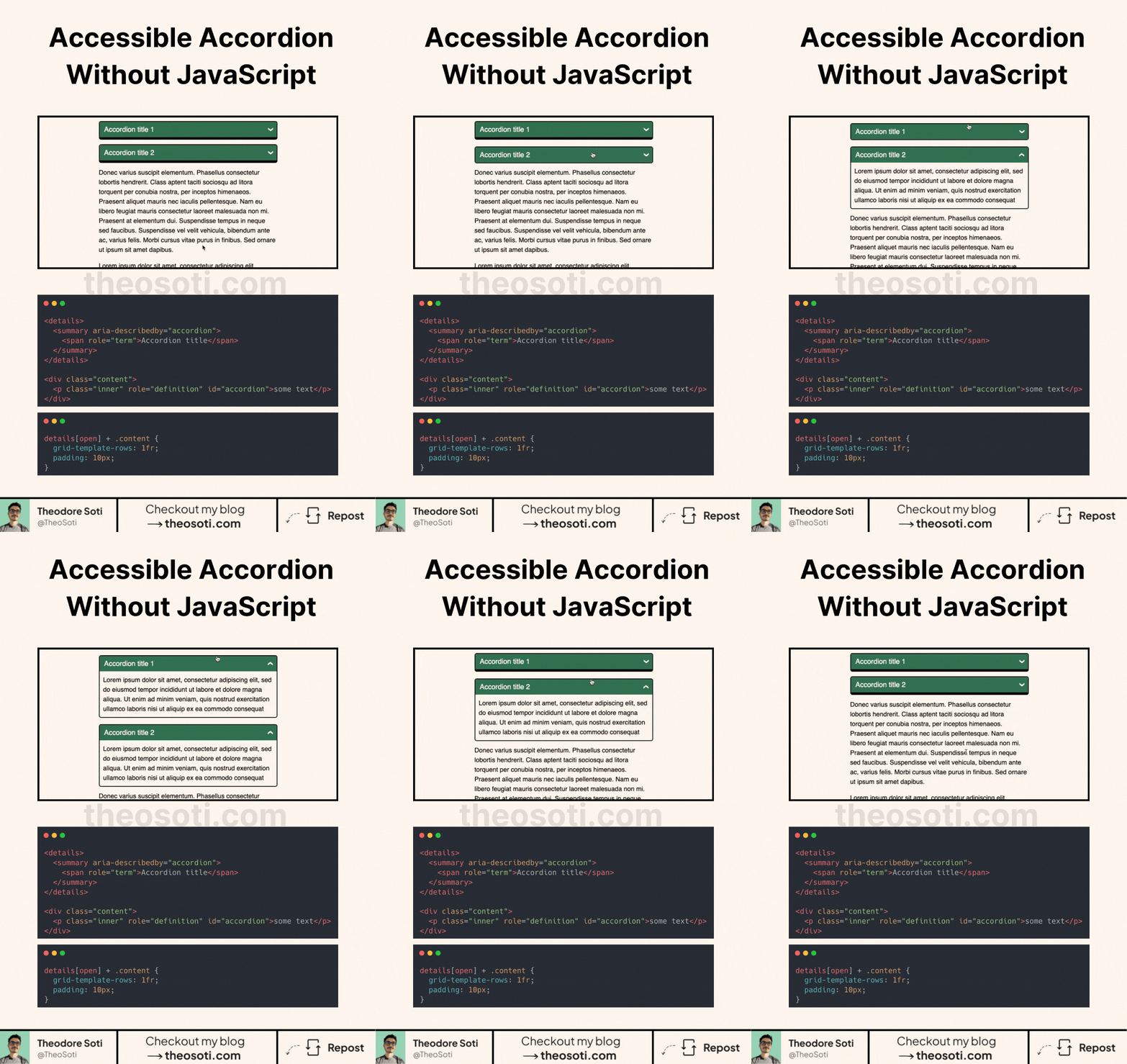 ## Make smooth accordions without JavaScript.
The useful part starts with the `
## Make smooth accordions without JavaScript.
The useful part starts with the `` and `` elements.
They give you native disclosure semantics and keyboard interaction without recreating the component in JavaScript.
But what about smooth animations?
This is where CSS Grid can help. Instead of relying on a guessed `max-height`, place the accordion content inside a grid row and transition it between `0fr` and `1fr`.
The closed state uses a row height of `0fr`. When the `` element opens, the row changes to `1fr`. A child wrapper with `overflow: hidden` keeps the content clipped during the transition.
Keep `` as the trigger. The animation should improve the native component, not replace its keyboard behavior or accessible name.
Also respect reduced-motion preferences when adding the transition.
---
If you liked this tip, you might enjoy my guide "You Don't Need JavaScript", which contains more ways to build modern interfaces with HTML and CSS.
You can find it at https://theosoti.com/you-dont-need-js/.