Build interactive popovers with pure CSS
Thanks to the Popover API, you can build an accessible drawer menu that works seamlessly across almost all devices. This technique can be extended to create a variety of interactive components.
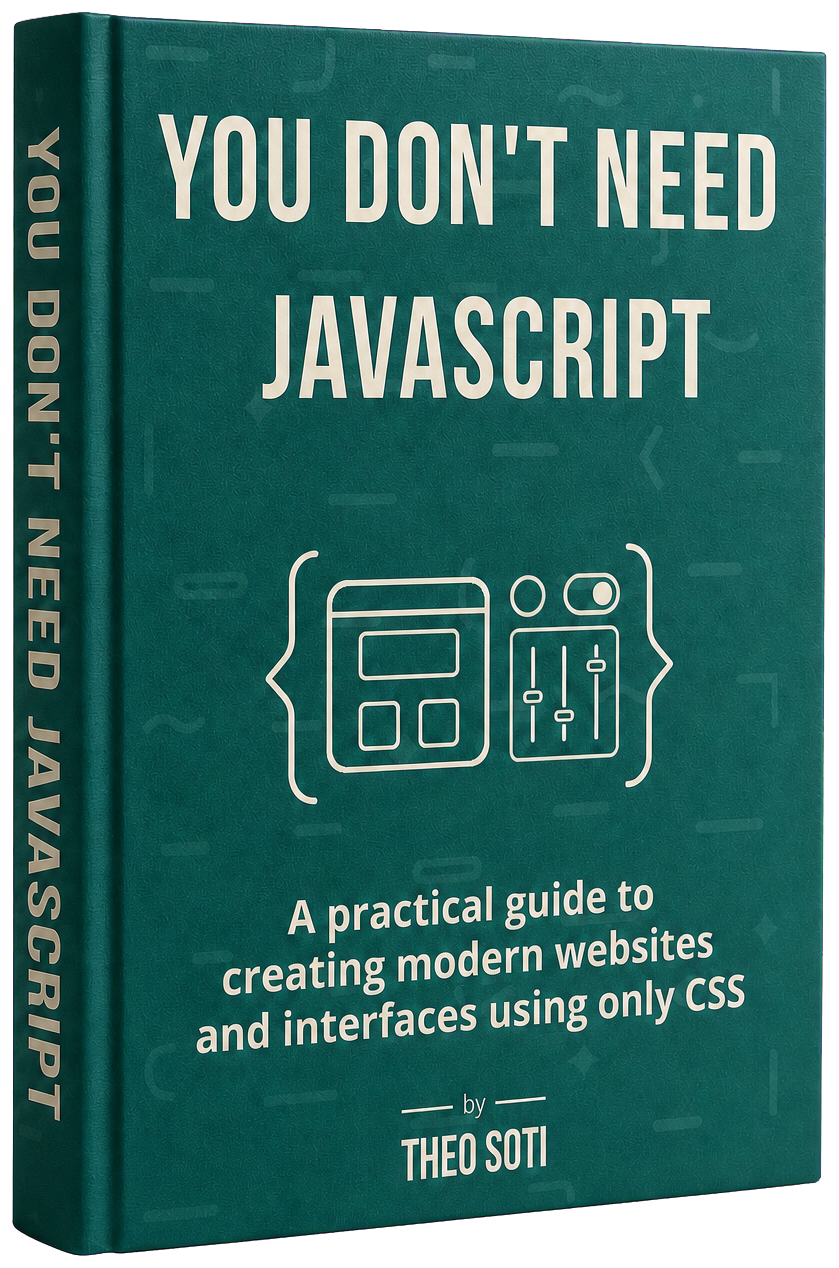
You Don't Need JavaScript
Learn how to replace unnecessary JavaScript with lightweight CSS components that load faster and are easier to maintain.
Learn accessible CSS patterns you can adapt to Tailwind, plus when JavaScript is still the right choice.
Two editions
Both are instant downloads with lifetime updates and a 30-day refund.
“I thought I knew CSS, but I was wrong… this book taught me new CSS properties at almost every page!”

Thomas Palef Author of Make 2D Games
It assumes you can already write HTML and CSS. It helps you decide when modern CSS can do the job before you reach for JavaScript.
Thanks to the Popover API, you can build an accessible drawer menu that works seamlessly across almost all devices. This technique can be extended to create a variety of interactive components.
Using semantic HTML and modern CSS, you can build accordions that are fully accessible and work seamlessly across devices. Perfect for FAQs, content toggles, and more.
Discover how to use CSS and a sprinkle of modern APIs to animate elements on scroll, adding interactivity and depth to your pages while keeping performance in mind.
Explore advanced components you never thought possible with pure CSS, including dark mode toggles,
comparison sliders, anchor navigation, and powerful effects using :has()…
Practical, visual examples built around real components, with accessibility and browser support explained in context.
Learn 27 patterns through real components such as dialogs, accordions, drawers, and sliders.
When a new CSS technique earns its place in the book, the updated edition is yours.
Use the finished HTML and CSS instead of retyping every pattern from the page.
Keep the modern properties from the book within reach while you work.
Get the generators, testers, and references I use to ship interfaces faster.
What front-end developers took away from the book.

It’s an easy-to-follow guide with everything explained step by step. I also liked the extra pointers on accessibility, troubleshooting, and browser compatibility. Hopefully, this will help people appreciate CSS a bit more.

Read this book and you’ll be gleefully ripping out half your JS before you’ve even finished the second chapter. You Don’t Need JavaScript is a breath of fresh air packed with “wait… CSS can do that?!” moments. Theo has a knack for making complex ideas feel effortless, proving that elegant, interactive design doesn’t always need a mountain of JS. It’s the perfect reminder that simplicity, speed, and creativity often live right there in your stylesheet.

Theo brilliantly shows how modern CSS can replace complex JavaScript without losing creativity or functionality. The examples are clear, practical, and inspiring. A refreshing reminder that the simplest tools often create the best results. A must-read for any developer.

An important read for web designers in this era. Theo takes some of the most powerful new web features of the last few years & distills them into simple, immediately-useful examples. If you’re like me, you’ll be able to significantly reduce your JavaScript footprint overnight, while also improving the quality of your web pages.

You Don’t Need JavaScript introduced me to the “Rule of Least Power”, a principle that is both simple and profoundly enlightening. In a web world that’s always accelerating, this work promotes a more ecological, thoughtful, and handcrafted approach to development, reminding us that elegance and impact often arise from simplicity.

Such a great read! It’s practical, easy to follow, and packed with smart ideas I can actually use. It made me want to revisit old projects and try a lighter, CSS-first approach.

This book offers a welcome reminder of the latest CSS developments at a time when performance matters more than ever.
Get the practical guide on its own, or add the finished components and workflow resources.
Recommended
$47
The guide plus every resource designed to save you implementation time.
$27
The complete guide for readers who prefer to build each pattern themselves.
Not what you expected?
Email me within 30 days for a full refund. No
questions asked.

For the past eight years, I’ve helped teams design and build fast, responsive interfaces with modern CSS.
I also started sharing the techniques I use in real projects. Today, that work reaches:
I wrote You Don’t Need JavaScript to put the most useful of those techniques in one practical guide. It focuses on real interface patterns you can build with HTML and CSS before reaching for JavaScript.
Three parts, 19 chapters, and 125 pages of practical CSS.
Part 1
Practical patterns for the interface work you already do.
8 chapters
Part 2
Animation, transitions, masks, validation, and more.
5 chapters
Part 3
New platform features that replace common JavaScript.
6 chapters
Conditionally Styling with :has() 5
Dark Mode in CSS 12
Smooth Scrolling to Sections 18
Native Modals with <dialog> 22
Accordions with Pure CSS 27
Pure-CSS Automatic Slider 32
Auto-Numbered Headings 39
Other Use-Case of Counter 43
Custom Border Animations 48
View Transitions 55
CSS Motion Path 59
CSS Mask Effects 68
CSS-Only Form Validation 77
Scroll-Driven Animations 83
Native Popovers 90
Customized Selects 97
Anchor Positioning 106
Native CSS Carousels 112
And more to come... 118
If you're a web developer who wants to build interactive components without relying on JavaScript. If you care about performance, clean code, and saving time. Then this book is for you.
You don't need to be an expert, but a basic understanding of CSS is necessary. The ebook is packed with tips and techniques that even seasoned developers will find valuable. You'll learn step-by-step through clear, practical examples.
You'll learn how to create real-world UI components like tabs, modals, dropdowns, and more using only CSS. You'll also discover methods to speed up your pages, write maintainable code, and reduce bugs.
The book comes as a PDF, so you can read it anywhere. It is lightweight, easy to navigate, and formatted to stay comfortable on any screen size.
Whenever You Don’t Need JavaScript gets new examples or newer CSS techniques, you will get those future updates for free.
Yes. Reach out if you want a team license at hey@theosoti.com.
If you buy the book and feel it's not for you, you can ask for a full refund within 30 days. No hard feelings, no questions asked. Send me an email at hey@theosoti.com and I'll refund you right away.
No. This page uses only HTML and CSS. The only JavaScript here is the small tracking script.