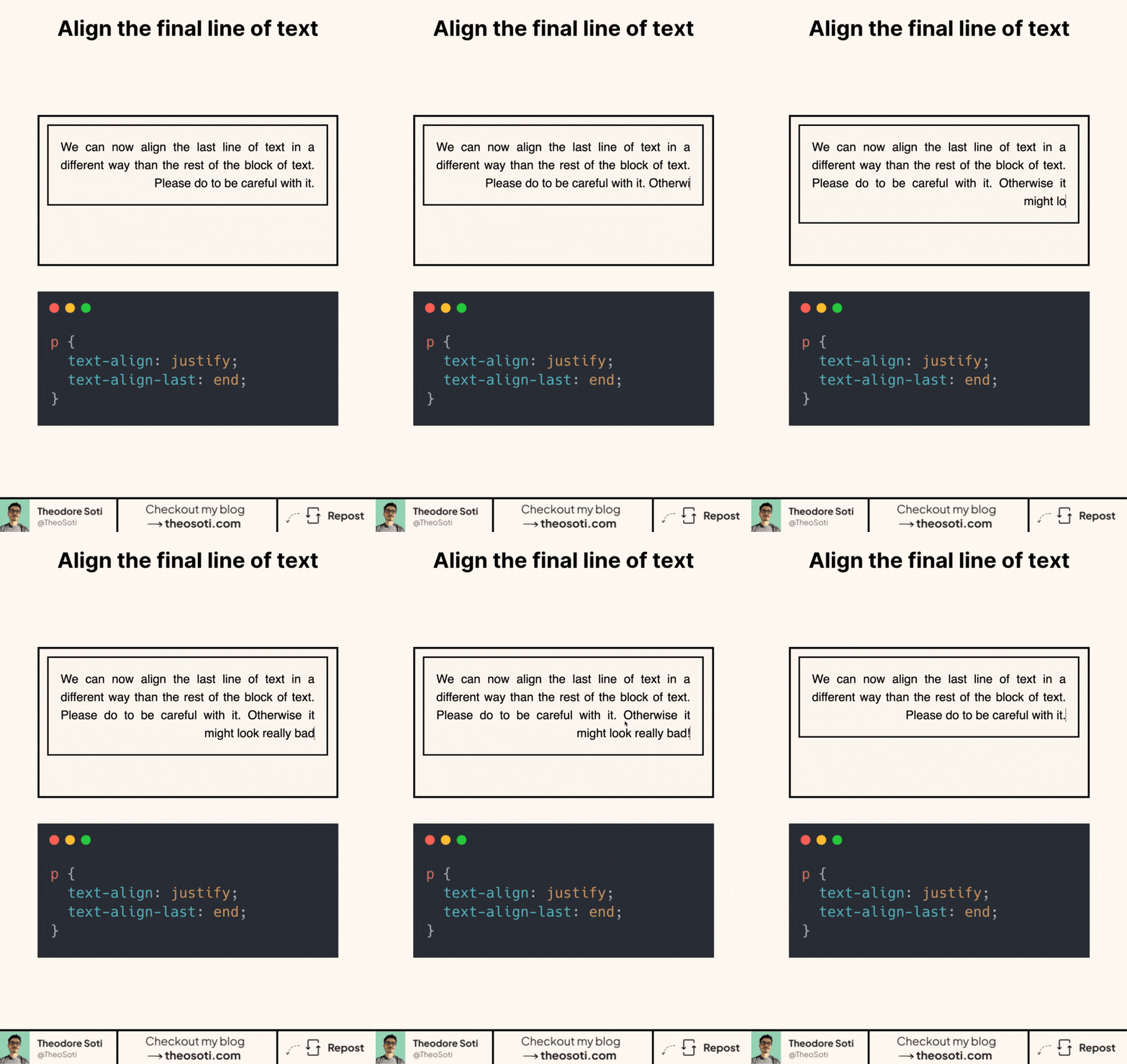
Did you know you can align just the last line of a paragraph?
Most developers are familiar with text-align. But there’s a lesser-known CSS property that gives you more control.
This lets you style the final line of text differently from the rest. Here’s how it works:
p {
	text-align: justify;
	text-align-last: end;
}
—> All lines are justified, except the last one, which aligns to the end.
The best part? A solid 95.28% across modern browsers. So yes, it’s production-ready.
text-align-last is most noticeable with longer justified paragraphs, so test with realistic content length before rolling it out globally. On very short text blocks, the visual effect can feel abrupt.
It is a great choice for editorial layouts, pull quotes, and card descriptions where you want a polished edge without extra markup. Keep it scoped to specific components instead of applying it site-wide.
text-align-last is subtle, but it adds polish to justified excerpts and editorial blocks. Apply it to selected content components rather than globally, so small UI labels are not affected unnecessarily.
text-align-last is subtle but effective in editorial UI and justified excerpts. Apply it selectively where line endings influence rhythm, rather than enabling it globally.
Use this as a readability tool, not only a visual effect. The best result is when style improves scanning speed without adding cognitive load.
When introducing text-align-last, begin with one reference component and treat it as the canonical pattern. That rollout sequence preserves clarity and reduces regressions during future refactors.
If you liked this tip, you might enjoy the book, which is packed with similar insights to help you build better websites without relying on JavaScript.
Go check it out https://theosoti.com/you-dont-need-js/ and enjoy 20% OFF for a limited time!