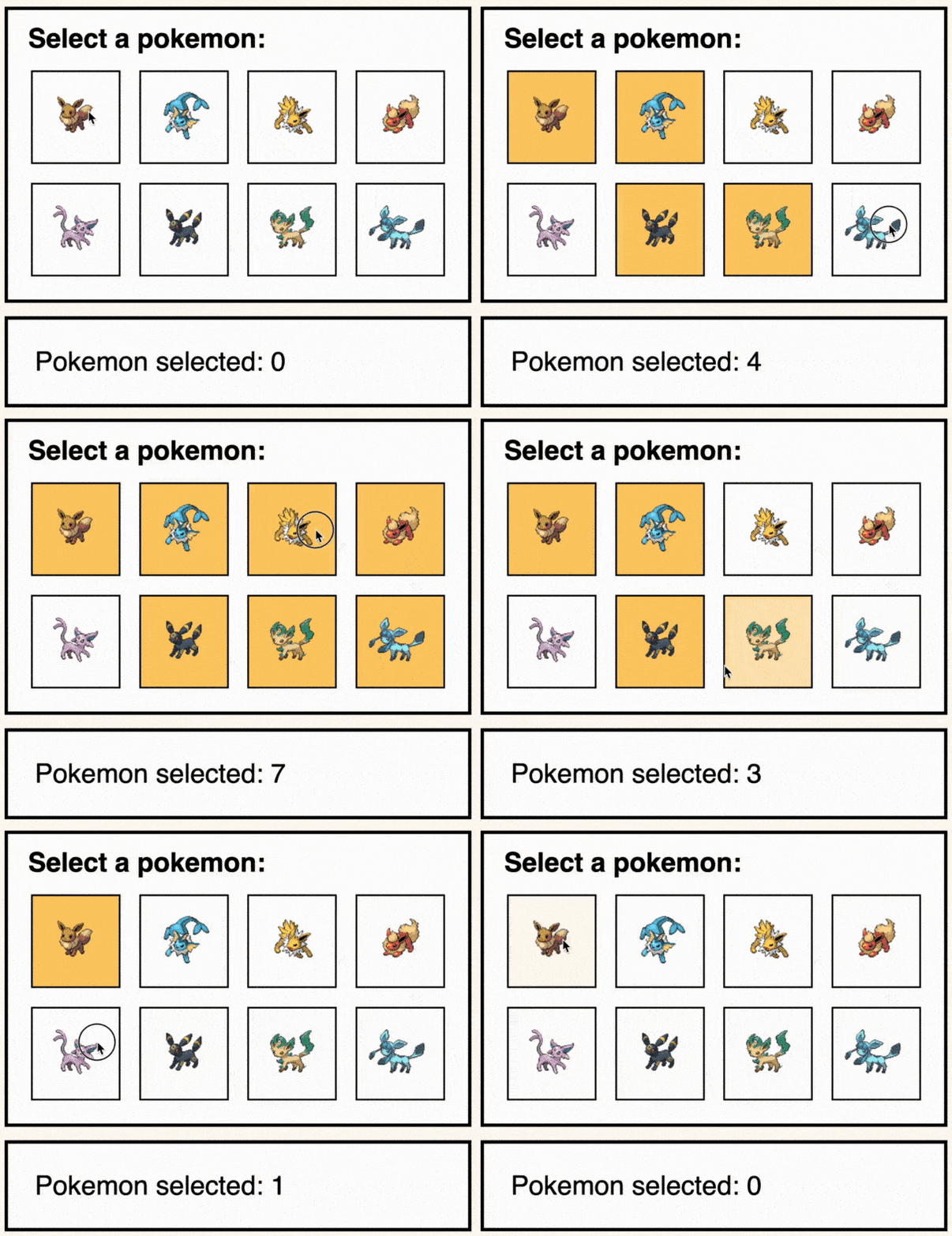
Did you know you can build a counter using only CSS?
No JavaScript. Just native CSS features.
With a few underrated properties, you can make live counters in pure CSS:
-
counter-reset: Initializes or resets a counter. In this case, we start counting Pokémon from 0. -
counter-increment: Increases the counter whenever a condition is met. Here, every time an input is checked, it bumps the count. -
content: counter(): Displays the current value of the counter. It’s typically used inside:beforeor:afterpseudo-elements.
In this example:
- Each selected Pokémon increases the count
- The total is displayed instantly
- Zero JS involved
With almost 96% browser support, it’s pretty safe to use!
Here is a live example: https://codepen.io/theosoti/pen/RNNjrQe
CSS counters are a strong teaching tool for state-like visuals without scripting. They work well for playful interactions, but production data that must persist or sync should still rely on application logic.
CSS counters are a great way to explore state-like visuals without JS. They are perfect for playful interfaces, while persistent business state should still live in application logic.
This pattern has the best payoff when documented with one clear usage rule. Consistent adoption turns small CSS features into reliable system behavior.
When introducing counter-reset, begin with one reference component and treat it as the canonical pattern. This keeps implementation predictable and prevents style drift as the codebase grows.
If you liked this tip, you might enjoy the book, which is packed with similar insights to help you build better websites without relying on JavaScript.
Go check it out https://theosoti.com/you-dont-need-js/ and enjoy 20% OFF for a limited time!