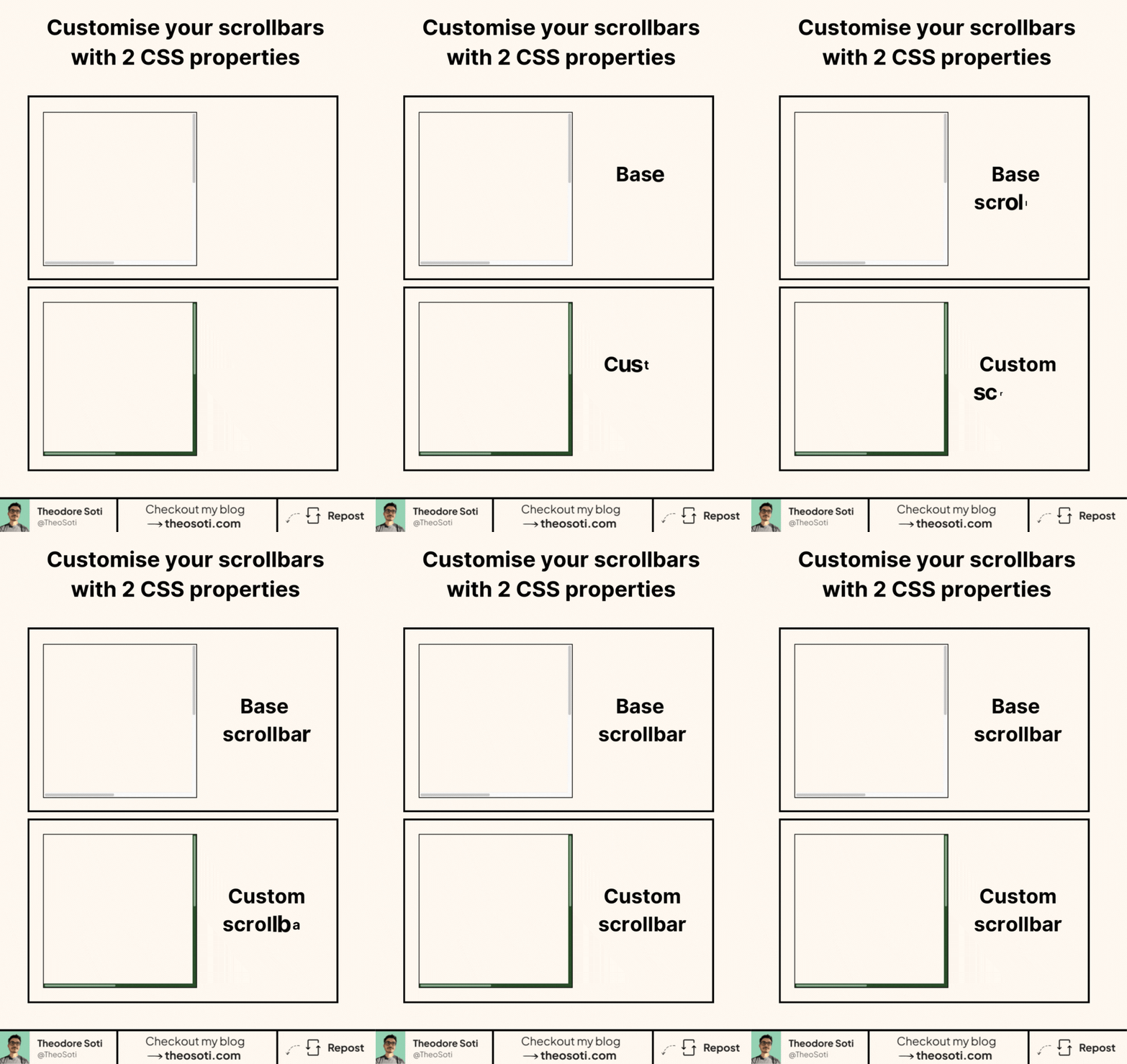
Make your scrollbars match your UI. Do it with only two CSS properties.
scrollbar-color sets the colors.
First value is the thumb. Second is the track.
Example: scrollbar-color: hashtag#8aaa8a hashtag#294b29;
scrollbar-width controls size.
Use auto, thin, or none to hide it.
Example: scrollbar-width: thin;
Apply these on any scrollable container. Or put them on `:root to style the page scrollbars.
It respects user settings like overlay scrollbars. So on macOS they appear when scrolling and keep your colors.
Accessibility tip. Pick a thumb color with strong contrast against the track.
For the browser support, it’s not great for now.
~73% for the scrollbar-color property.
~83% for the scrollbar-width property.
But they graciously fallback to default style if not supported.
Custom scrollbars can improve visual consistency, but usability must stay first. Keep enough contrast and width for discoverability, and avoid styling choices that hide scroll affordance.
Custom scrollbars can support visual consistency, but discoverability and contrast come first. Keep width and color choices readable across themes.
Run interaction tests with rapid clicks and navigation changes. Input should stay responsive even while transitions are active.
For teams, scrollbar-color is easiest to maintain when it starts in one documented example before broader reuse. That rollout sequence preserves clarity and reduces regressions during future refactors.
Aim for subtle customization that keeps scrollbar track and thumb clearly distinguishable at a glance.
If you liked this tip, you might enjoy the book, which is packed with similar insights to help you build better websites without relying on JavaScript.
Go check it out https://theosoti.com/you-dont-need-js/ and enjoy 20% OFF for a limited time!