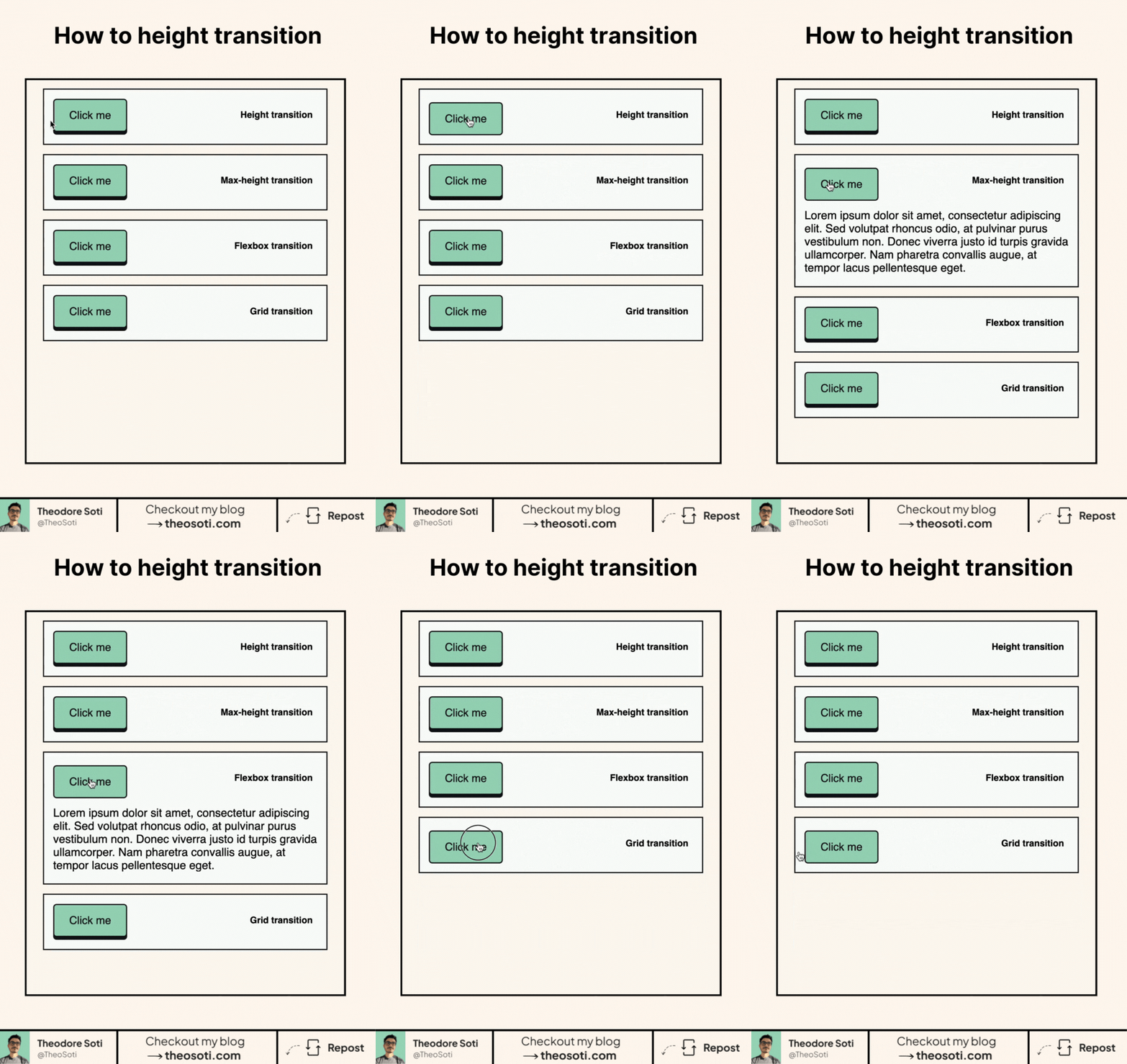
Smooth height transitions are possible in CSS.
Animating from height: 0 to height: auto has traditionally been awkward because the browser could not interpolate an intrinsic size.
There are several ways to handle it:
- A fixed
max-height, which is simple but requires a guessed upper limit. - A transform, which looks smooth but does not move surrounding content.
- CSS Grid with a row transitioning from
0frto1fr. interpolate-size: allow-keywords, which allows transitions to intrinsic sizing keywords such asauto.calc-size(), which lets calculations work with intrinsic sizes.
The Grid method is the most practical fallback when surrounding content needs to move. interpolate-size and calc-size() are cleaner, but they still need progressive enhancement because browser availability is limited.
I cover all five approaches with interactive examples in the full article:
https://theosoti.com/blog/height-transition/
If you liked this tip, you might enjoy my guide “You Don’t Need JavaScript”, which contains more ways to build modern interfaces with HTML and CSS.
You can find it at https://theosoti.com/you-dont-need-js/.