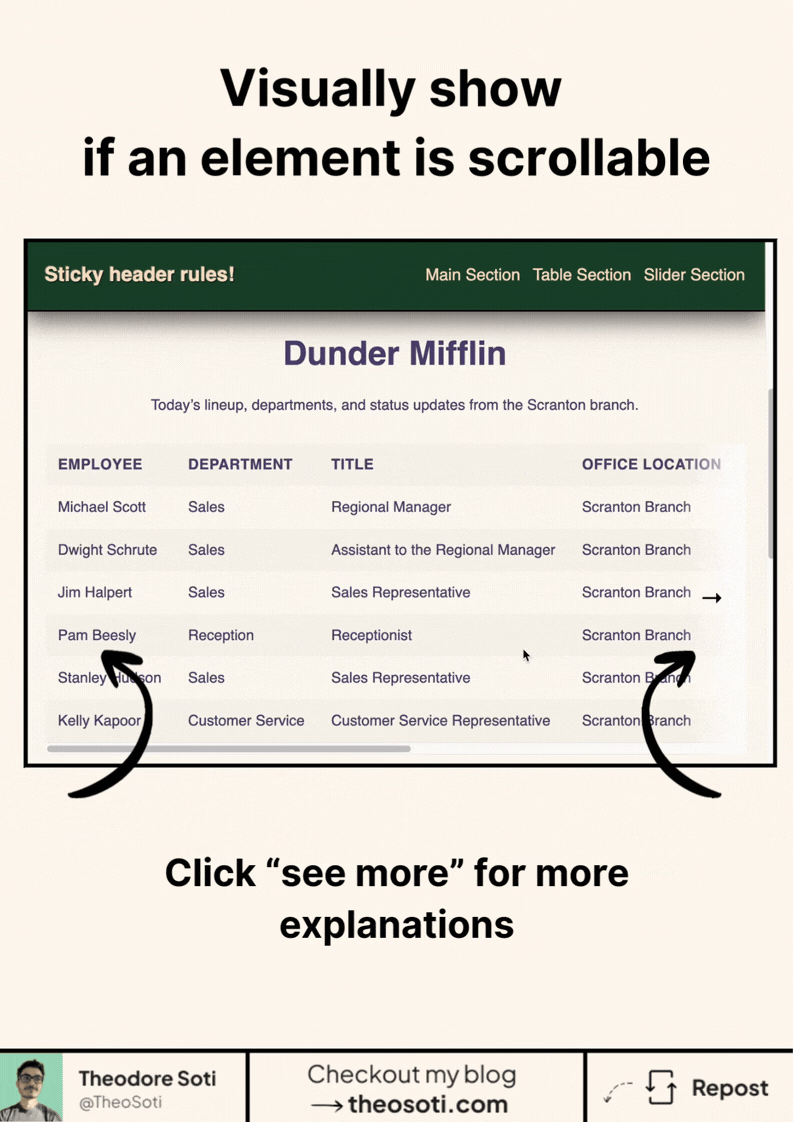
You can now detect when a sticky element is actually… stuck.
In CSS.
No scroll listener. No class toggle. No JavaScript.
Here is the idea: you turn the sticky wrapper into a scroll-state container.
.header-container {
	position: sticky;
	top: 0;
	container-type: scroll-state;
}
Then CSS can ask a very useful question:
“Is this element currently stuck to the top?”
@container scroll-state(stuck: top) {
	.header {
		box-shadow: 0 8px 30px rgb(0 0 0 / 0.12);
	}

	.title {
		font-size: 1.5rem;
	}
}
So when the header reaches the top and actually becomes sticky, its style changes automatically.
In this kind of example:
- the header gets a shadow
- the title becomes smaller
- transitions can smooth the whole change
That means the header can feel more alive without any scroll logic in JavaScript.
This solves a very common UI need. Designers often want one visual state before the header sticks, and another one after it locks to the top.
Before scroll-state, that usually meant watching scroll position,
toggling a class, and keeping logic in sync with layout.
Now the browser can expose that state directly to CSS. That means the visual change happens for the real sticky moment, not for a rough threshold you had to maintain in JS.
That is why this feature is so interesting. It removes the glue code around a behavior the platform already understands.
It is especially useful for documentation layouts, long-form articles, dashboards, and sticky section bars. Anywhere a header changes role once it reaches the top, this becomes a clean native hook.
Support is still experimental, so treat it as progressive enhancement. But as a platform feature, it is a very strong step forward.
Less code. Less coordination between CSS and JS. More behavior described where the styling already lives.
If you liked this tip, you might enjoy the book, which is packed with similar insights to help you build better websites without relying on JavaScript.
Go check it out https://theosoti.com/you-dont-need-js/ and enjoy 20% OFF for a limited time!